Trouble Connecting?
If you’re having trouble connecting to Fleming’s wireless network, please try the following:
Confirm Credentials
- Confirm that your account is active and that your username and password are being entered correctly by signing in to myCampus or a Fleming desktop computer.
- Reset your password if needed.
Forget Network
- Forget the WiFi network name (SSID) in your device’s WiFi settings: How to Forget a WiFi Network
- Reconnect to the WiFi network; enter your username and password if applicable.
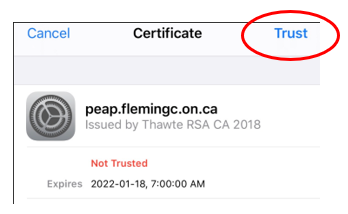
Trust Certificate
- Accept or trust the WiFi certificate if prompted.
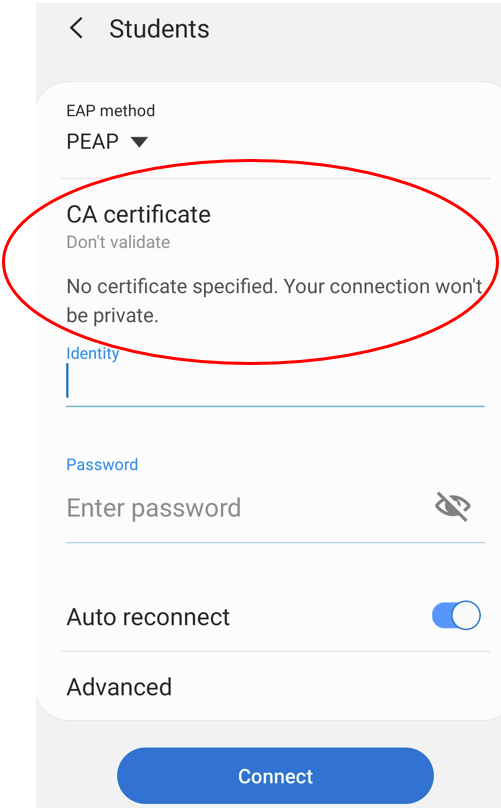
- Under CA certificate, choose “Don’t validate.”
Enter Domain
- Enter peap.flemingc.on.ca as the domain if required by your device.
Connect Manually